
Streaming television has evolved dramatically over the past decade. Today, millions of users rely on IPTV services to watch their favorite content anytime, anywhere. If you’re new to this technology, understanding how IPTV login works is the first step toward seamless streaming.
This comprehensive guide is designed for beginners who want a clear, professional explanation of IPTV login processes, troubleshooting tips, and security best practices.
What Is IPTV Login?
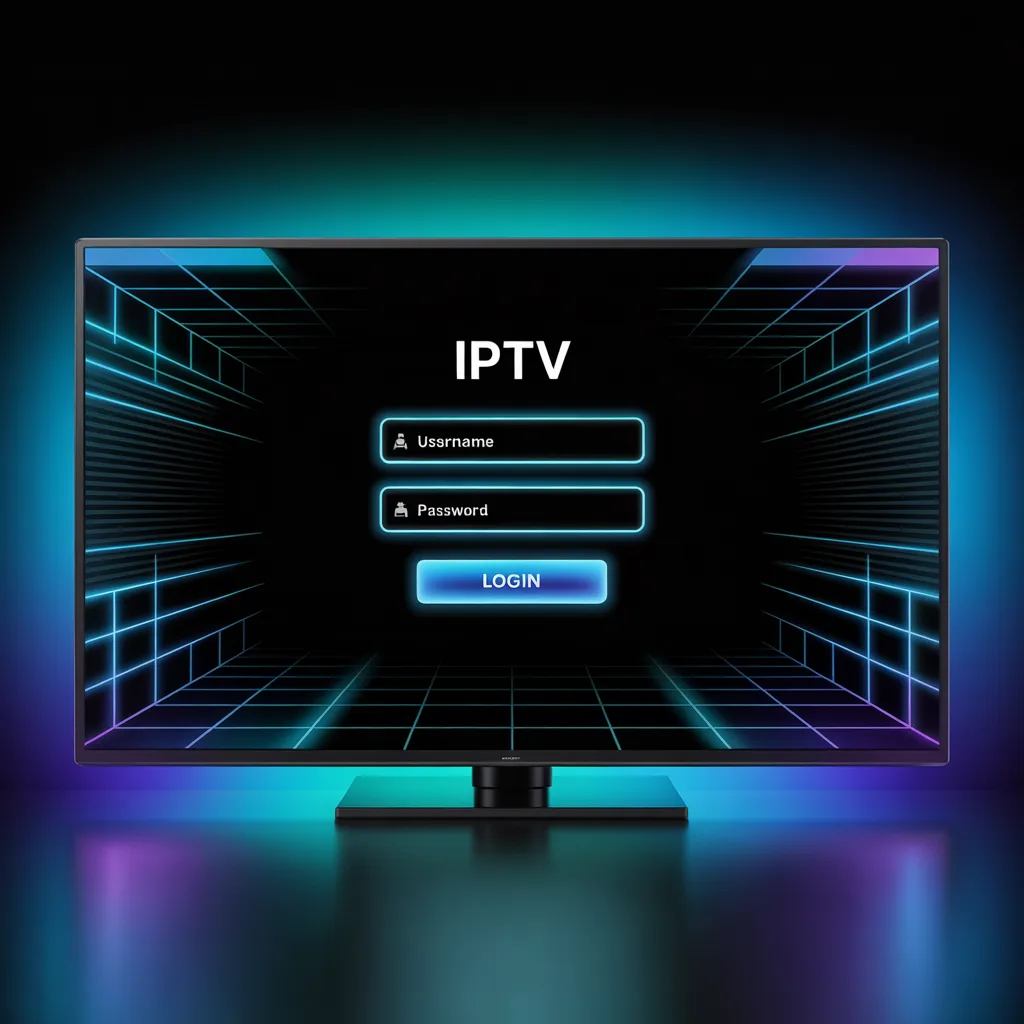
An IPTV login is the authentication process required to access your IPTV subscription. Unlike traditional cable TV, IPTV (Internet Protocol Television) streams content via the internet.
When you subscribe to an IPTV provider, you typically receive one of the following:
- Username and password
- M3U playlist URL
- Xtream Codes API credentials
- Portal URL for app-based login
These credentials allow you to log into IPTV apps such as:
- IPTV Smarters
- TiviMate
- Smart IPTV
- GSE Smart IPTV
Once authenticated, you gain access to live TV channels, movies, and video-on-demand content.
How IPTV Login Works
Understanding how the IPTV login system functions can help prevent common issues.
When you enter your credentials into an IPTV app:
- The app sends your login details to the provider’s server.
- The server verifies your subscription status.
- If active, it grants access to the content library.
- Channels and playlists load into your device.
This entire process takes just a few seconds when configured correctly.
Types of IPTV Login Methods
Different providers use different authentication methods. Below are the most common IPTV login formats you’ll encounter.
1. Username and Password Login
This is the simplest and most common IPTV login method.
You enter:
- Username
- Password
- Server/Portal URL
Best for beginners because it’s straightforward and easy to manage.
2. M3U URL Login
An M3U URL is a playlist link containing all channel information.
To use it:
- Open your IPTV app.
- Select “Add Playlist” or “Add M3U URL.”
- Paste the provided link.
- Save and refresh channels.
This IPTV login method is flexible and works across many devices.
3. Xtream Codes API Login
Xtream Codes is one of the most popular IPTV login systems.
You’ll need:
- Username
- Password
- Server URL
Many apps provide a dedicated “Login with Xtream Codes API” option for easier setup.
How to Perform IPTV Login on Popular Devices
Let’s break down IPTV login steps by device type.
IPTV Login on Android Devices
- Download IPTV Smarters from the Play Store.
- Open the app.
- Select “Login with Xtream Codes API.”
- Enter your credentials.
- Tap “Add User.”
Your IPTV login should complete within seconds.
IPTV Login on Smart TV
For Samsung or LG Smart TVs:
- Install Smart IPTV or compatible app.
- Open the app.
- Enter your IPTV login details.
- Restart the app to refresh channels.
If the app requires MAC address activation, follow your provider’s instructions.
IPTV Login on Firestick
- Install IPTV Smarters via Downloader.
- Open the app.
- Choose login method.
- Enter credentials carefully.
- Wait for channel list to load.
Firestick users should ensure stable Wi-Fi for smooth IPTV login performance.
Common IPTV Login Problems and Fixes
Even with correct details, IPTV login errors can happen. Here’s how to fix them.
Incorrect Username or Password
Double-check:
- No extra spaces
- Correct capitalization
- Updated subscription
If issues persist, contact your provider.
Expired Subscription
Many IPTV login failures happen due to expired accounts.
Verify:
- Payment status
- Renewal date
Server Not Responding
If your IPTV login fails due to server error:
- Restart your router
- Switch to a wired connection
- Try again after 10–15 minutes
Sometimes servers undergo maintenance.
App Compatibility Issues
Not all apps support every IPTV login method.
Try:
- Updating your app
- Switching to another IPTV player
- Reinstalling the application
IPTV Login Security Best Practices
Security is crucial when using IPTV services.
To protect your IPTV login:
- Never share credentials publicly
- Avoid free or suspicious IPTV apps
- Use strong passwords
- Enable VPN for privacy
For more on online safety, see:
[Link to related article on internet privacy basics]
[Link to WHO report on mental health]
Benefits of Proper IPTV Login Management
Managing your IPTV login properly ensures:
- Faster streaming speeds
- Reduced buffering
- Secure account access
- Fewer interruptions
When login credentials are stored securely and entered correctly, streaming becomes effortless.
IPTV Login vs Traditional Cable Access
Here’s a quick comparison:
| Feature | IPTV Login | Cable TV |
|---|---|---|
| Internet Required | Yes | No |
| Device Flexibility | High | Limited |
| Account-Based Access | Yes | No |
| On-Demand Content | Yes | Limited |
IPTV login systems give users more control and flexibility compared to traditional cable setups.
How to Reset IPTV Login Credentials
If you lose your IPTV login details:
- Contact your IPTV provider.
- Request account reset.
- Confirm your subscription.
- Receive new credentials.
Some providers allow self-service resets through their website.
Tips for a Smooth IPTV Login Experience
Follow these expert tips:
- Use wired internet for stability
- Keep your app updated
- Clear app cache monthly
- Avoid logging into multiple devices simultaneously (unless allowed)
- Save credentials in a secure password manager
Frequently Asked Questions About IPTV Login
What is required for IPTV login?
You need active subscription credentials such as username/password or an M3U URL.
Can I use the same IPTV login on multiple devices?
It depends on your provider. Some allow multi-screen access; others limit connections.
Why does IPTV login keep failing?
Possible reasons:
- Expired subscription
- Incorrect credentials
- Server downtime
- Internet connection issues
Is IPTV login legal?
IPTV technology itself is legal. However, legality depends on the content provider and licensing agreements in your region.
Always choose reputable services.
Advanced IPTV Login Configuration
For advanced users, IPTV login setups may include:
- EPG (Electronic Program Guide) URL integration
- Custom DNS configuration
- VPN routing
- External player configuration
These enhancements improve both performance and user experience.
For technical optimization tips, check:
[Link to related article on optimizing home Wi-Fi for streaming]
How to Choose the Right IPTV Provider for Easy Login
When selecting a provider, consider:
- Clear IPTV login instructions
- 24/7 customer support
- Trial availability
- Stable servers
- Multi-device compatibility
Reliable providers make IPTV login simple and hassle-free.
Final Thoughts on IPTV Login
Mastering the IPTV login process ensures uninterrupted access to thousands of channels and on-demand content. Whether you’re using an Android device, Smart TV, or Firestick, proper setup and secure credential management are key.
By following the steps in this guide, you can:
- Avoid common login errors
- Improve streaming performance
- Keep your account secure
- Enjoy seamless IPTV entertainment
Ready to Stream Smarter?
Now that you understand how IPTV login works, it’s time to put this knowledge into action.
✔ Bookmark this guide
✔ Share it with others who need help
✔ Explore our related streaming tutorials
✔ Subscribe to stay updated on IPTV tips and tech guides