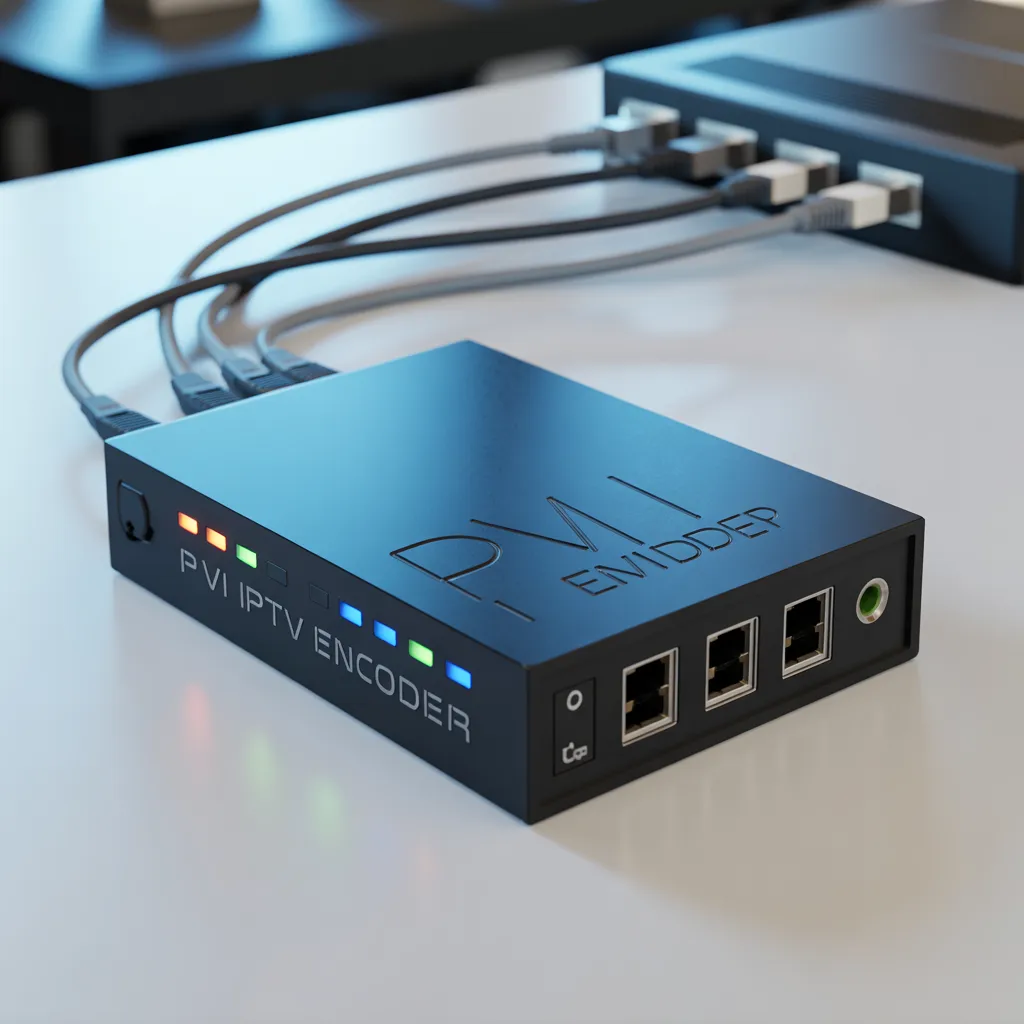
A PVI HDMI IPTV encoder is a hardware device that converts HDMI video signals into IP streams for live broadcasting over networks. It is commonly used in IPTV systems, live streaming, digital signage, education, and corporate video distribution because of its reliability, low latency, and professional video quality.
What is a PVI HDMI IPTV Encoder?
A PVI HDMI IPTV encoder is a professional video encoding device designed to convert HDMI input signals into digital IP streams using protocols such as RTMP, RTSP, HLS, or UDP. This allows video content to be transmitted over local networks or the internet.
Unlike software encoders, a PVI HDMI IPTV encoder works as a dedicated hardware solution, offering better stability and continuous 24/7 operation.
These devices are widely used in:
- IPTV headend systems
- Live event broadcasting
- Church streaming systems
- Hotel TV distribution
- Corporate training networks
- Digital signage networks
- Online education platforms
If you are building a professional IPTV distribution system, this type of encoder is considered an essential component.
How a PVI HDMI IPTV Encoder Works
Understanding how a PVI HDMI IPTV encoder works is simple when broken into steps:
Step-by-Step Process
- HDMI Input Capture
- The encoder receives video from a camera, PC, or media player.
- Video Compression
- The device compresses video using codecs like:
- H.264 (AVC)
- H.265 (HEVC)
- The device compresses video using codecs like:
- IP Stream Conversion
- The compressed video is converted into IP packets.
- Network Distribution
- Streams are delivered via:
- LAN
- WAN
- CDN
- IPTV middleware
- Streams are delivered via:
- Playback on Devices
- End users watch the stream on:
- Smart TVs
- IPTV boxes
- Mobile apps
- Web players
- End users watch the stream on:
This process allows one HDMI signal to be distributed to thousands of viewers simultaneously.
Key Features of a PVI HDMI IPTV Encoder
When choosing a PVI HDMI IPTV encoder, you should evaluate its main features carefully.
Video Performance Features
Most modern encoders include:
- Full HD 1080p encoding
- 4K support (select models)
- H.264/H.265 compression
- Adjustable bitrate control
- Low latency streaming
- Frame rate adjustment
These features ensure optimal bandwidth usage while maintaining quality.
Network and Streaming Features
Professional IPTV encoders typically support:
- RTMP streaming
- RTSP protocol
- HTTP/HLS delivery
- UDP multicast
- SRT streaming
- ONVIF compatibility
These protocols allow integration with most IPTV platforms.
Hardware Advantages
A hardware PVI HDMI IPTV encoder typically provides:
- Fanless industrial design
- 24/7 continuous operation
- Low power consumption
- Embedded Linux OS
- Stable firmware environment
Hardware encoders are preferred in professional environments because software crashes do not affect them.
Main Benefits of Using a PVI HDMI IPTV Encoder
Investing in a PVI HDMI IPTV encoder provides several important advantages.
1. Professional Video Quality
Hardware encoding ensures:
- Stable frame delivery
- Reduced artifacts
- Consistent bitrate output
- Broadcast-grade performance
2. Reliability for Continuous Streaming
Unlike PC-based encoders:
- No OS interruptions
- No software conflicts
- Minimal maintenance
- Higher uptime reliability
3. Lower Bandwidth Usage
Advanced compression allows:
- Smaller file sizes
- Reduced network congestion
- Efficient CDN delivery
- Cost savings on bandwidth
4. Easy Remote Management
Many devices include:
- Web control panels
- Remote firmware updates
- SNMP monitoring
- Cloud management
5. Scalability
A PVI HDMI IPTV encoder can easily scale:
- Add more channels
- Expand viewers
- Integrate with IPTV middleware
- Deploy multiple encoders
This makes them ideal for growing IPTV services.
Common Use Cases for PVI HDMI IPTV Encoder Devices
A PVI HDMI IPTV encoder can be used across many industries.
Broadcasting and Live Streaming
Typical examples include:
- Sports events
- Conferences
- Live shows
- Webinars
Organizations use them to stream to platforms like:
- YouTube Live
- Facebook Live
- Twitch
[Link to live streaming platform comparison guide]
IPTV Service Providers
IPTV providers use these encoders to:
- Convert satellite receivers
- Distribute cable channels
- Create private TV networks
- Manage headend systems
[Link to IPTV headend architecture guide]
Education Sector
Schools and universities use them for:
- Distance learning
- Lecture recording
- Campus TV channels
- Remote classes
[Link to education streaming solutions article]
Corporate Applications
Companies deploy encoders for:
- Internal communication
- Training broadcasts
- CEO announcements
- Office TV networks
[Link to corporate video distribution guide]
Hospitality Industry
Hotels use IPTV encoders for:
- Guest TV channels
- Promotional content
- Information channels
- Digital signage
[Link to hotel IPTV deployment guide]
PVI HDMI IPTV Encoder vs Software IPTV Encoders
Choosing between hardware and software depends on your needs.
Hardware Encoder Advantages
A PVI HDMI IPTV encoder offers:
- Dedicated processing power
- Better reliability
- Lower latency
- Continuous operation
- Minimal configuration
Software Encoder Advantages
Software encoders provide:
- Lower startup cost
- Flexible upgrades
- Plugin integration
- Multi-purpose use
Comparison Table
| Feature | PVI HDMI IPTV Encoder | Software Encoder |
|---|---|---|
| Stability | Excellent | Moderate |
| Cost | Higher upfront | Lower upfront |
| Maintenance | Low | Moderate |
| Performance | Dedicated | Depends on PC |
| 24/7 Streaming | Ideal | Risk of interruption |
For mission-critical streaming, hardware remains the industry standard.
How to Set Up a PVI HDMI IPTV Encoder
Setting up a PVI HDMI IPTV encoder is usually straightforward.
Basic Installation Steps
1. Connect Video Source
Connect:
- Camera HDMI output
- PC HDMI output
- Media player HDMI
2. Connect Network Cable
Use:
- Gigabit Ethernet recommended
- Managed switch for IPTV
- VLAN configuration if needed
3. Access Web Interface
Typically:
- Find encoder IP address
- Enter IP in browser
- Login to admin panel
4. Configure Streaming Settings
Set:
- Bitrate
- Resolution
- Codec
- Protocol
- Destination URL
5. Start Streaming
Once configured:
- Enable stream
- Test playback
- Monitor bandwidth
[Link to IPTV network configuration tutorial]
Best Configuration Settings for Optimal Performance
To get the best performance from a PVI HDMI IPTV encoder, consider these recommended settings.
Recommended Video Settings
For Full HD:
- Resolution: 1920×1080
- Bitrate: 4–8 Mbps
- Codec: H.264
- Frame rate: 30fps
For bandwidth efficiency:
- Codec: H.265
- Bitrate: 2–4 Mbps
Audio Settings
Recommended:
- AAC codec
- 128 kbps bitrate
- Stereo output
- 48 kHz sampling
Network Optimization
Best practices:
- Use wired connections
- Avoid WiFi where possible
- Use QoS prioritization
- Monitor packet loss
[Link to network optimization best practices]
Security Considerations for IPTV Encoding Devices
Security is often overlooked but very important.
When deploying a PVI HDMI IPTV encoder, implement:
Basic Security Practices
- Change default password
- Disable unused services
- Use firewall rules
- Restrict IP access
Advanced Security Practices
For enterprise setups:
- VPN access
- HTTPS control panel
- Network segmentation
- Access logging
[Link to cybersecurity best practices report]
Troubleshooting Common PVI HDMI IPTV Encoder Issues
Even reliable devices sometimes encounter issues.
No Video Signal
Possible causes:
- HDMI cable failure
- HDCP protection
- Unsupported resolution
- Source device inactive
Stream Not Playing
Check:
- Network connectivity
- Stream URL
- Protocol settings
- Player compatibility
Poor Video Quality
Adjust:
- Bitrate
- Frame rate
- Network capacity
- Compression profile
Overheating
Solutions:
- Improve ventilation
- Avoid rack congestion
- Check power supply
[Link to IPTV troubleshooting checklist]
How to Choose the Best PVI HDMI IPTV Encoder
Before buying a PVI HDMI IPTV encoder, evaluate the following factors.
Technical Considerations
Look for:
- Codec support
- Maximum resolution
- Latency performance
- Protocol compatibility
- Firmware updates
Operational Considerations
Also check:
- Vendor support
- Warranty
- Documentation
- Community usage
- Integration capability
Budget Considerations
Balance:
- Initial price
- Operating cost
- Reliability
- Replacement risk
Cheaper encoders may cost more long term due to downtime.
Future Trends in IPTV Encoding Technology
The IPTV encoder market continues evolving.
Important trends include:
AI Video Optimization
Future encoders may include:
- AI bitrate optimization
- Smart compression
- Auto quality adjustment
Cloud Integration
Emerging capabilities:
- Cloud transcoding
- Remote orchestration
- SaaS IPTV platforms
Ultra Low Latency Streaming
New protocols:
- SRT
- RIST
- WebRTC integration
8K Streaming Preparation
While still emerging:
- 8K encoder development
- Advanced HEVC profiles
- AV1 codec adoption
[Link to video streaming technology trends report]
Frequently Asked Questions About PVI HDMI IPTV Encoder
What is the main purpose of a PVI HDMI IPTV encoder?
The main purpose of a PVI HDMI IPTV encoder is to convert HDMI video into IP streams for distribution across networks or the internet.
Is a PVI HDMI IPTV encoder better than a PC encoder?
For professional use, yes. Hardware encoders provide:
- Better stability
- Lower maintenance
- Continuous uptime
Can beginners use a PVI HDMI IPTV encoder?
Yes. Most devices offer:
- Simple web interfaces
- Preset configurations
- Quick start guides
Does it support YouTube streaming?
Most models support RTMP, making them compatible with major streaming platforms.
How many viewers can one encoder support?
There is no fixed limit. Viewer capacity depends on:
- Network bandwidth
- CDN infrastructure
- Server capacity
Final Thoughts
A PVI HDMI IPTV encoder remains one of the most important devices in modern video distribution systems. Whether you operate an IPTV service, manage corporate communications, or run live streams, this device provides stability, quality, and scalability.
As streaming continues growing globally, investing in a reliable encoder ensures your video infrastructure remains future-ready.
If you are serious about building a professional IPTV system, choosing the right encoder is not optional — it is foundational.
Conclusion
Choosing the right PVI HDMI IPTV encoder can dramatically improve your streaming quality, network efficiency, and operational reliability. By understanding features, configuration, and best practices, you can build a professional IPTV workflow that performs consistently.
If you are planning to expand your IPTV infrastructure, this is the perfect time to evaluate encoder options and future-proof your setup.
Meta Description
PVI HDMI IPTV encoder guide covering features, setup, benefits, and best use cases. Learn how to choose and configure the best IPTV HDMI encoder for streaming.