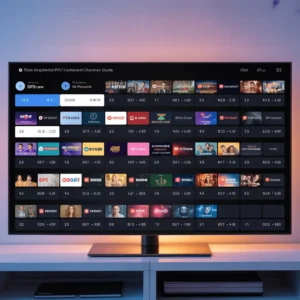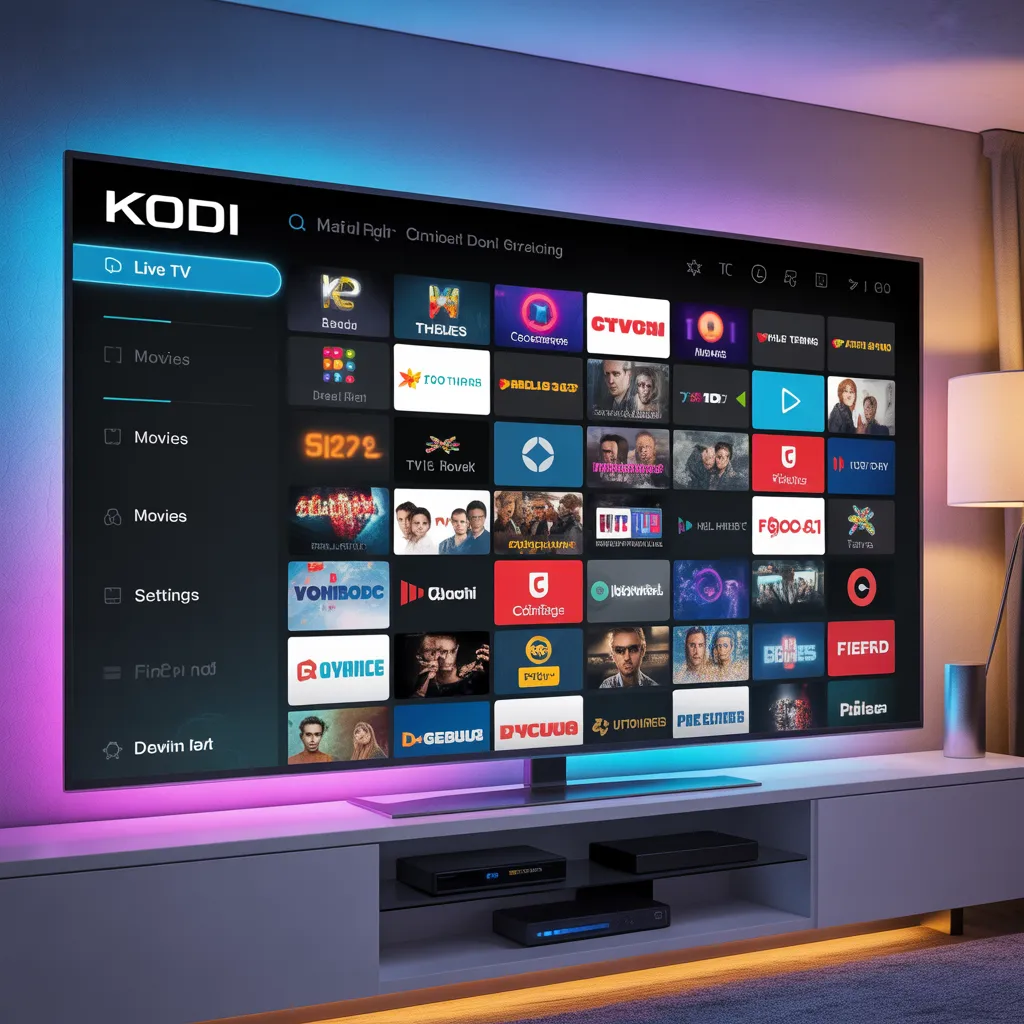


What is IPTV Kodi? (Quick Definition)
IPTV Kodi is the process of integrating IPTV services into the Kodi media center so users can watch live television, video-on-demand content, and digital broadcasts through internet streaming instead of traditional cable or satellite connections.
Kodi acts as the interface, while IPTV services provide the content streams through:
- M3U playlists
- PVR IPTV Simple Client
- Third-party IPTV add-ons
- XMLTV EPG guides
This combination transforms Kodi into a complete TV entertainment hub suitable for beginners and advanced users alike.
Introduction to IPTV Kodi
If you’re looking for a flexible way to stream television content, iptv kodi is one of the most powerful solutions available today. By combining IPTV technology with Kodi’s open-source media platform, users can access thousands of channels, organize content, and create a personalized streaming experience.
Unlike standard IPTV apps, Kodi offers:
- Full customization
- Add-on support
- Cross-platform compatibility
- Advanced playback controls
- Community-developed integrations
Because of these advantages, IPTV on Kodi has become extremely popular among streaming enthusiasts who want more control over their viewing experience.
In this complete guide, you’ll learn everything about IPTV Kodi including setup, benefits, best add-ons, safety tips, and optimization techniques.
Why Use IPTV on Kodi?
Using Kodi IPTV integration offers several advantages compared to traditional IPTV players.
Key Benefits of IPTV Kodi
Here are the main reasons users prefer IPTV Kodi setups:
1. Free and open-source platform
Kodi is completely free and constantly improved by developers worldwide.
2. Works on many devices
You can install IPTV Kodi on:
- Windows PCs
- Android devices
- Smart TVs
- Fire TV Stick
- Linux systems
- macOS computers
3. Flexible IPTV integration
Kodi allows IPTV streaming using:
- M3U playlist files
- IPTV client add-ons
- Streaming repositories
- Local network streams
4. Advanced media management
Kodi allows:
- Channel grouping
- Favorites lists
- Watch history
- Custom categories
- Electronic Program Guide integration
5. Professional-level customization
Advanced users can customize:
- Skins
- Layouts
- Menus
- Playback engines
- Buffer settings
How IPTV Kodi Works
To understand IPTV Kodi, it helps to understand the basic structure.
Kodi itself does not provide content. Instead, it acts as a media framework that organizes IPTV streams provided by IPTV providers.
IPTV Kodi System Structure
The IPTV Kodi setup typically includes:
Kodi Software
→ Main media interface
IPTV Client Add-on
→ Reads IPTV playlist
M3U Playlist
→ Channel list
EPG Guide
→ TV schedule data
IPTV Provider
→ Supplies the streams
Basic Workflow
The process works like this:
- Install Kodi
- Install IPTV add-on
- Add M3U playlist
- Add EPG guide
- Load channels
- Start streaming
This modular design makes IPTV Kodi extremely powerful compared to simple IPTV apps.
How to Install IPTV on Kodi (Step-by-Step Guide)
Setting up iptv kodi is easier than most beginners expect.
Step 1: Install Kodi
First, download Kodi from the official website.
Basic installation steps:
- Download Kodi
- Run installer
- Open application
- Configure basic settings
Recommended settings:
- Language
- Time zone
- Interface theme
- Media folders
Step 2: Install PVR IPTV Simple Client
This is the most popular IPTV Kodi method.
Steps:
- Open Kodi
- Go to Settings
- Click Add-ons
- Select Install from repository
- Choose PVR Clients
- Select PVR IPTV Simple Client
- Click Install
After installation:
- Click Configure
- Add M3U playlist URL
- Add EPG URL
- Save settings
Step 3: Add IPTV Playlist
To make IPTV Kodi work you must add your IPTV playlist.
Common formats:
- M3U URL
- M3U file
- Local playlist
- Remote playlist
Configuration steps:
- Open PVR settings
- Select General
- Choose M3U location
- Paste IPTV link
- Restart Kodi
Kodi will automatically load channels.
Step 4: Add TV Guide (EPG)
An EPG improves IPTV Kodi usability.
Benefits include:
- Channel schedules
- Program descriptions
- Show times
- Live indicators
Setup:
- Open PVR settings
- Select EPG tab
- Add XMLTV URL
- Refresh channels
Best IPTV Kodi Add-ons
Some users prefer IPTV add-ons instead of basic playlists.
Popular Kodi IPTV Add-ons
Examples include:
1. IPTV Simple Client
Best for stability.
2. Catch-up TV Add-ons
Good for replay content.
3. Live TV Add-ons
Provide free channels.
4. Community IPTV Add-ons
Offer curated lists.
Features to Look For
When choosing IPTV Kodi add-ons:
Look for:
- Regular updates
- Good reviews
- Stable playback
- EPG support
- Good interface
- Active developer support
Avoid:
- Unknown repositories
- Broken add-ons
- Unverified providers
IPTV Kodi Configuration Tips
Optimizing IPTV Kodi improves performance.
Best Settings for Smooth Streaming
Adjust these Kodi settings:
Buffer settings
Improve playback:
- Increase buffer size
- Enable cache
- Optimize memory
Video settings
Recommended:
- Hardware acceleration ON
- Match display refresh rate
- Enable adaptive playback
Network optimization
Tips:
- Use Ethernet instead of WiFi
- Minimum 20 Mbps speed
- Stable ISP connection
IPTV Kodi for Beginners
If you’re new to IPTV Kodi, start simple.
Beginner Setup Strategy
Follow this order:
- Install Kodi
- Add IPTV Simple Client
- Add playlist
- Test channels
- Add EPG later
- Customize interface
Avoid installing many add-ons initially.
Start minimal.
Common IPTV Kodi Problems and Fixes
Like any system, IPTV Kodi may have issues.
Problem: Channels Not Loading
Possible causes:
- Broken M3U link
- Server offline
- Wrong configuration
Fix:
- Check playlist
- Refresh channels
- Restart Kodi
Problem: Buffering Issues
Common causes:
- Slow internet
- Overloaded IPTV server
- Wrong cache settings
Solutions:
- Upgrade internet speed
- Change provider
- Adjust buffer size
Problem: EPG Not Showing
Possible causes:
- Wrong XMLTV link
- Format mismatch
- Sync issue
Fix:
- Re-add EPG URL
- Clear guide data
- Reload PVR
IPTV Kodi Safety Tips
Security is important when using IPTV Kodi.
Best Safety Practices
Follow these tips:
Use trusted IPTV providers
Avoid unknown services.
Keep Kodi updated
Updates fix vulnerabilities.
Use official add-ons
Safer and more stable.
Avoid suspicious repositories
Unknown repos may contain malware.
Protect your network
General safety habits:
- Strong passwords
- Secure WiFi
- Firewall enabled
Legal Considerations of IPTV Kodi
IPTV Kodi itself is legal.
However legality depends on:
- IPTV provider
- Content rights
- Country regulations
Kodi is just software.
Legal usage includes:
- Free channels
- Owned content
- Legal IPTV subscriptions
- Public broadcasts
Always verify your IPTV service.
IPTV Kodi vs IPTV Apps
Many users compare IPTV Kodi vs standalone IPTV apps.
IPTV Kodi Advantages
Kodi offers:
- Better customization
- Advanced controls
- Add-on ecosystem
- Better organization
- Multi-media hub
IPTV Apps Advantages
Apps offer:
- Simple setup
- Easier interface
- Faster installation
- Beginner friendly
Which Should You Choose?
Choose IPTV Kodi if you want:
- Control
- Flexibility
- Advanced features
Choose IPTV apps if you want:
- Simplicity
- Quick setup
- Minimal configuration
Advanced IPTV Kodi Customization
Advanced users can turn IPTV Kodi into a premium system.
Customization Ideas
You can:
Install Kodi skins
Improves appearance.
Create channel categories
Example:
- Sports
- Movies
- News
- Kids
- International
Setup favorites
Quick access channels.
Use multiple playlists
Combine providers.
Add logos
Professional TV look.
IPTV Kodi Performance Optimization
Improve IPTV Kodi performance using these techniques.
Performance Checklist
Optimize:
System performance
- Close background apps
- Free storage
- Update drivers
Kodi optimization
- Clean cache
- Remove unused add-ons
- Reset database occasionally
Network optimization
- Use 5GHz WiFi
- Avoid peak hours
- Use wired connection
Best Devices for IPTV Kodi
Some devices perform better.
Recommended IPTV Kodi Devices
Good choices:
Android TV boxes
Best flexibility.
Fire TV Stick
Affordable solution.
Mini PCs
Best performance.
NVIDIA Shield
Premium option.
Desktop computers
Maximum control.
IPTV Kodi Future Trends (2026 and Beyond)
IPTV Kodi continues evolving.
Upcoming Trends
Expected improvements:
AI channel recommendations
Smarter content suggestions.
Cloud IPTV integration
Less local configuration.
Better EPG systems
Improved guides.
4K and 8K IPTV
Higher quality streams.
Improved add-on security
Safer ecosystem.
Best Practices for Long-Term IPTV Kodi Use
To maintain a stable IPTV Kodi system:
Maintenance Routine
Monthly:
- Update Kodi
- Update add-ons
- Test playlists
Quarterly:
- Clean database
- Remove broken add-ons
- Backup settings
Yearly:
- Full reinstall if needed
- Review providers
- Optimize setup
IPTV Kodi Frequently Asked Questions
Is IPTV Kodi free?
Yes.
Kodi is free. IPTV services may require subscriptions.
Can IPTV Kodi replace cable?
Yes, many users replace cable with IPTV Kodi setups.
Does IPTV Kodi require fast internet?
Recommended:
- HD: 10 Mbps
- Full HD: 20 Mbps
- 4K: 50 Mbps
Is IPTV Kodi hard to setup?
No.
Basic setup takes about 10–20 minutes.
Can beginners use IPTV Kodi?
Yes.
Start with:
- IPTV Simple Client
- Single playlist
- Basic settings
Useful Resources
Internal resources:
- [Link to related article on IPTV setup guide]
- [Link to related article on Kodi add-ons]
- [Link to related article on streaming optimization]
External resources:
- [Link to Kodi official documentation]
- [Link to internet streaming standards guide]
- [Link to cybersecurity best practices report]
Meta Description
Meta description (158 characters):
Learn how to set up IPTV Kodi step-by-step. Discover best add-ons, setup tips, optimization techniques, and expert streaming advice in this complete 2026 guide.
Final Thoughts on IPTV Kodi
IPTV Kodi remains one of the most powerful ways to manage IPTV streaming because it combines flexibility, customization, and advanced media management features in one platform.
Whether you’re a beginner or advanced user, Kodi provides:
- Professional IPTV organization
- Powerful customization
- Flexible streaming setup
- Long-term scalability
If set up correctly, IPTV Kodi can become your complete home entertainment system.
Call to Action
If you found this IPTV Kodi guide helpful, here’s what to do next:
- Bookmark this guide for future reference
- Share it with other IPTV users
- Explore more IPTV tutorials
- Leave a comment with your experience
- Read next: [Link to related article on best IPTV players]