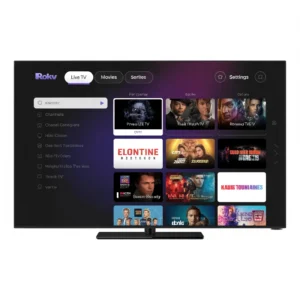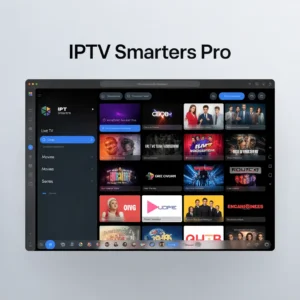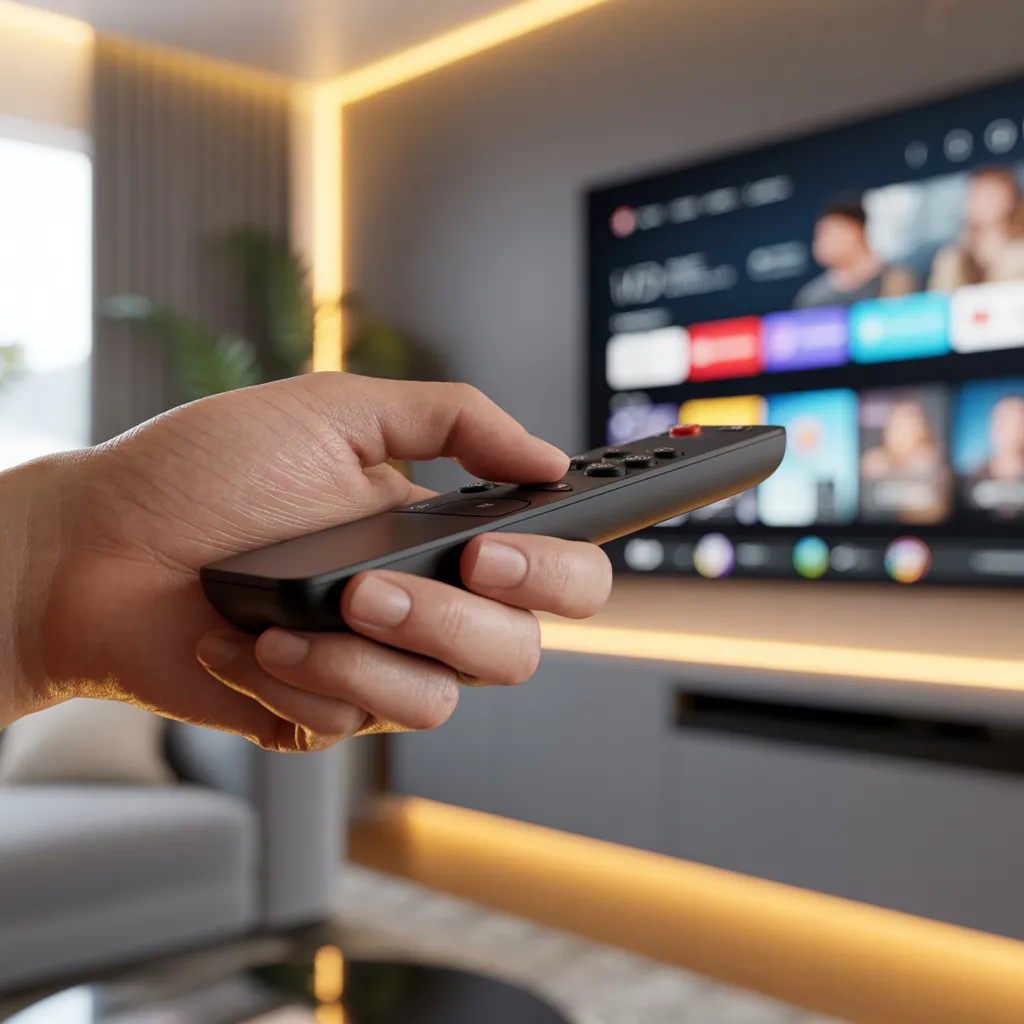

An IPTV remote is a physical or virtual control tool that allows users to navigate, manage, and interact with IPTV (Internet Protocol Television) services, including channel switching, playback control, and app navigation.
Introduction
If you’re using IPTV services, having the right IPTV remote can completely transform your viewing experience. Whether you’re streaming live TV, on-demand content, or using apps, a well-designed IPTV remote gives you smooth control, faster navigation, and a more enjoyable interface.
In this guide, we’ll explore everything you need to know about IPTV remotes—from types and features to setup tips and troubleshooting—so you can get the most out of your streaming setup.
What Is an IPTV Remote?
An IPTV remote is a device or application used to control IPTV services delivered via the internet. Unlike traditional TV remotes, IPTV remotes often include advanced features tailored for smart TVs, Android boxes, and streaming devices.
Key Functions of an IPTV Remote
- Channel navigation
- Volume control
- Playback (pause, rewind, fast-forward)
- Access to apps and menus
- Voice search (in advanced models)
These features help users seamlessly interact with IPTV platforms.
Types of IPTV Remote Controls
1. Physical IPTV Remotes
Physical IPTV remotes are handheld devices that come with smart TVs or IPTV boxes.
Common features:
- Dedicated buttons for apps
- Numeric keypad for channel input
- Infrared (IR) or Bluetooth connectivity
Best for: Users who prefer traditional controls.
2. Virtual IPTV Remote Apps
A virtual IPTV remote is a mobile app that mimics a physical remote.
Benefits:
- Control your IPTV from your smartphone
- Touchscreen navigation
- Keyboard input for faster typing
Best for: Users who want convenience and flexibility.
3. Voice-Control IPTV Remotes
These remotes integrate voice assistants for hands-free control.
Features include:
- Voice search
- Smart home integration
- AI-powered recommendations
Best for: Tech-savvy users and smart home enthusiasts.
Why an IPTV Remote Matters
A high-quality IPTV remote enhances usability and efficiency.
Improved Navigation
Navigating IPTV menus can be complex. A good remote simplifies this process with intuitive layouts and responsive controls.
Faster Content Access
With shortcut buttons and voice commands, users can quickly access their favorite channels or apps.
Enhanced User Experience
A responsive IPTV remote reduces frustration and improves overall satisfaction.
Essential Features to Look for in an IPTV Remote
1. Compatibility
Ensure the IPTV remote works with your device:
- Android TV boxes
- Smart TVs
- Streaming sticks
2. Connectivity Options
- Infrared (IR): Requires line-of-sight
- Bluetooth: More flexible and responsive
- Wi-Fi: Advanced remotes with app integration
3. Ergonomic Design
A comfortable design ensures ease of use during long viewing sessions.
4. Voice Control
Voice-enabled IPTV remotes allow hands-free operation, making them ideal for multitasking.
5. Programmable Buttons
Customizable buttons let you assign shortcuts for frequently used apps or channels.
How to Set Up an IPTV Remote
Step-by-Step Guide
- Insert batteries or charge the device
- Pair the remote with your IPTV device
- Bluetooth pairing via settings
- IR remotes work automatically
- Configure settings
- Customize buttons
- Enable voice control if available
- Test functionality
Troubleshooting Setup Issues
If your IPTV remote isn’t working:
- Check battery levels
- Ensure proper pairing
- Restart your IPTV device
- Update firmware
IPTV Remote Apps: A Modern Alternative
Virtual IPTV remote apps are gaining popularity.
Advantages
- No need for extra hardware
- Easy updates
- Multi-device control
Popular Use Cases
- Controlling IPTV from another room
- Typing search queries quickly
- Managing multiple devices
Internal Link Placeholder:
[Link to related article on best IPTV apps]
Best Practices for Using an IPTV Remote
Keep It Updated
Ensure your IPTV remote (or app) has the latest firmware or updates.
Optimize Button Usage
Customize buttons for:
- Favorite channels
- Streaming apps
- Settings access
Maintain Battery Life
- Use rechargeable batteries
- Turn off when not in use
Common IPTV Remote Problems and Fixes
1. Remote Not Responding
Fixes:
- Replace batteries
- Re-pair the device
- Check for interference
2. Lag or Delay
Fixes:
- Use Bluetooth instead of IR
- Restart your device
- Reduce background apps
3. Limited Range
Fixes:
- Switch to a Bluetooth remote
- Remove obstacles
IPTV Remote vs Traditional TV Remote
| Feature | IPTV Remote | Traditional Remote |
|---|---|---|
| Connectivity | IR, Bluetooth, Wi-Fi | IR only |
| Smart Features | Yes | No |
| App Control | Yes | Limited |
| Voice Control | Often included | Rare |
Choosing the Right IPTV Remote
For Beginners
- Simple layout
- Basic navigation buttons
- Plug-and-play functionality
For Advanced Users
- Voice control
- Programmable buttons
- Multi-device compatibility
Budget vs Premium Options
- Budget: Basic functionality
- Premium: Advanced features and durability
Future of IPTV Remote Technology
The evolution of IPTV remotes is closely tied to smart technology advancements.
Emerging Trends
- AI-powered voice assistants
- Gesture-based controls
- Integration with smart home ecosystems
What to Expect
- More intuitive interfaces
- Seamless device integration
- Enhanced personalization
External Link Placeholder:
[Link to WHO report on mental health]
IPTV Remote Security and Privacy
Why It Matters
Smart IPTV remotes can collect data for personalization.
Tips to Stay Secure
- Use trusted apps
- Update software regularly
- Avoid unknown third-party remotes
Frequently Asked Questions (FAQs)
What is the best IPTV remote?
The best IPTV remote depends on your device and preferences. Look for compatibility, ease of use, and advanced features like voice control.
Can I use my phone as an IPTV remote?
Yes, many apps allow your smartphone to function as a virtual IPTV remote.
Why is my IPTV remote not working?
Common causes include low battery, pairing issues, or interference.
Do IPTV remotes work with all devices?
Not all remotes are universal. Always check compatibility before purchasing.
Conclusion
An IPTV remote is more than just a control device—it’s your gateway to a seamless and enjoyable streaming experience. Whether you choose a physical remote, a mobile app, or a voice-controlled device, the right IPTV remote can significantly improve how you interact with your IPTV service.
By understanding the different types, features, and best practices, you can select the perfect remote tailored to your needs.
Meta Description
Discover the best IPTV remote options, features, and setup tips to enhance your streaming experience with smarter, faster, and easier control.
Call to Action
Ready to upgrade your streaming setup? Explore more guides, compare IPTV tools, and find the perfect solution for your needs. Don’t forget to bookmark this guide, share it with others, and leave a comment below with your favorite IPTV remote!