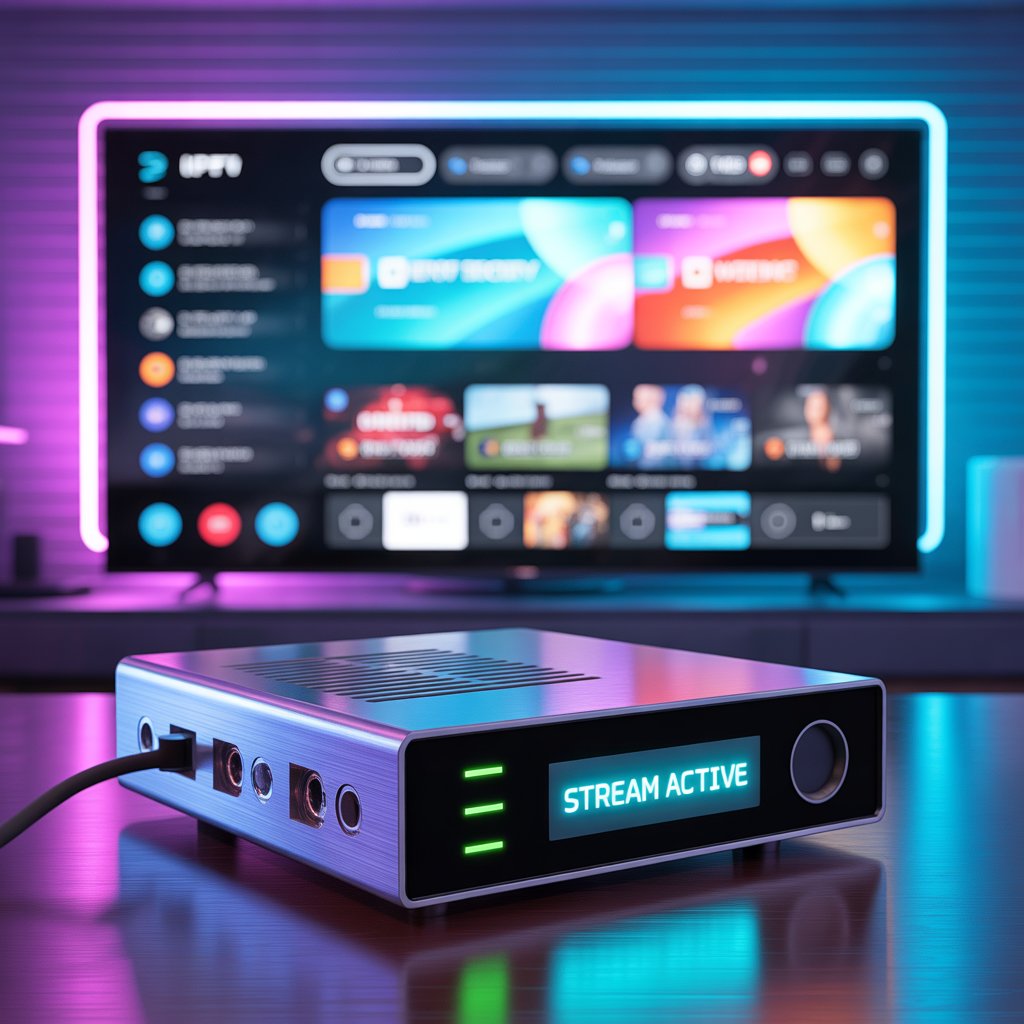

The IPTV encoder is the backbone of modern internet television. Whether you’re launching a streaming service, managing a broadcast network, or building a live TV platform, understanding how an IPTV encoder works is essential. It transforms raw video signals into compressed digital streams that can be delivered efficiently over IP networks.
In this expert guide, we’ll explore everything you need to know about IPTV encoding technology — from how it works to choosing the right encoder for your needs.
Table of Contents
- What Is an IPTV Encoder?
- How an IPTV Encoder Works
- Types of IPTV Encoders
- IPTV Encoder vs Transcoder
- Key Features to Look for in an IPTV Encoder
- Best Video Codecs for IPTV Encoding
- Hardware vs Software IPTV Encoder
- IPTV Encoder for Live Streaming
- IPTV Encoder Setup Guide
- Common IPTV Encoding Challenges
- IPTV Encoder Use Cases
- Future Trends in IPTV Encoding
- Final Thoughts
What Is an IPTV Encoder?
An IPTV encoder is a device or application that converts audio and video signals into compressed digital formats for streaming via IP networks.
In simple terms, it takes:
- HDMI, SDI, or analog video input
- Compresses it using a codec
- Converts it into IP packets
- Delivers it to a streaming server or CDN
This process enables viewers to watch live or on-demand content on smart TVs, mobile devices, and streaming platforms.
Without an IPTV encoder, raw video would be too large and inefficient to transmit over the internet.
How an IPTV Encoder Works
Understanding how an IPTV encoder operates helps you optimize streaming performance.
Step 1: Video Capture
The encoder receives video from:
- Cameras
- Satellite receivers
- Video switchers
- Media players
Step 2: Compression
The IPTV encoder compresses video using codecs like:
- H.264 (AVC)
- H.265 (HEVC)
- MPEG-4
Compression reduces bandwidth usage while maintaining visual quality.
Step 3: Packetization
The compressed video is packaged into IP streams using protocols such as:
- RTP
- RTMP
- HLS
- MPEG-TS
Step 4: Transmission
The encoded stream is sent to:
- Streaming servers
- CDNs
- IPTV middleware
For more details on streaming protocols, see:
[Link to related article on streaming protocols explained]
Types of IPTV Encoders
There are several types of IPTV encoder solutions available.
1. Hardware IPTV Encoder
A dedicated physical device designed for 24/7 streaming.
Best for:
- Broadcast studios
- IPTV providers
- Professional environments
2. Software IPTV Encoder
Installed on a computer or server.
Best for:
- Small businesses
- Startups
- Testing environments
3. Cloud-Based IPTV Encoder
Runs in the cloud, offering scalability.
Best for:
- OTT platforms
- Global streaming services
IPTV Encoder vs Transcoder: What’s the Difference?
An IPTV encoder converts raw video into digital IP streams.
A transcoder modifies already encoded streams into different formats or bitrates.
| IPTV Encoder | Transcoder |
|---|---|
| Converts raw video | Converts encoded video |
| Used at content source | Used during distribution |
| Prepares stream for delivery | Optimizes for devices |
Many IPTV systems use both technologies together.
Key Features to Look for in an IPTV Encoder
Choosing the right IPTV encoder is critical for quality and scalability.
Essential Features
- Multi-format input support (HDMI, SDI)
- H.264 / H.265 support
- Low latency encoding
- Multi-bitrate streaming
- Adaptive bitrate (ABR) support
- Audio encoding (AAC, MP3)
- Network protocol compatibility
Advanced Features
- 4K encoding
- HDR support
- DRM integration
- Redundant power supply
- Remote management
If you’re building a professional IPTV platform, reliability and redundancy should be priorities.
Best Video Codecs for IPTV Encoding
Codecs determine video quality and bandwidth efficiency.
H.264 (AVC)
- Most widely supported
- Balanced compression
- Ideal for most IPTV encoder setups
H.265 (HEVC)
- 30–50% better compression
- Ideal for 4K IPTV services
- Requires stronger processing power
AV1
- Emerging codec
- Highly efficient
- Increasing industry adoption
Learn more about video compression standards:
[Link to external credible resource on video codec standards]
Hardware vs Software IPTV Encoder
Let’s compare both approaches.
Hardware IPTV Encoder Advantages
- Stable performance
- Dedicated processing
- 24/7 reliability
- Lower latency
Software IPTV Encoder Advantages
- Lower initial cost
- Flexible configuration
- Easy updates
For enterprise IPTV systems, hardware solutions often deliver better long-term reliability.
IPTV Encoder for Live Streaming
Live streaming requires special encoder capabilities.
Important Live Streaming Features
- Ultra-low latency
- Real-time bitrate adaptation
- Stable network handling
- Failover protection
Live IPTV encoder setups are commonly used for:
- Sports broadcasting
- Religious services
- Corporate events
- Educational streaming
For a full deployment guide:
[Link to related article on launching an IPTV service]
IPTV Encoder Setup Guide (Step-by-Step)
Here’s a simplified setup process:
Step 1: Connect Video Source
Attach HDMI or SDI to the IPTV encoder input.
Step 2: Configure Encoding Settings
Set:
- Resolution (720p, 1080p, 4K)
- Bitrate
- Codec (H.264/H.265)
- Frame rate
Step 3: Select Output Protocol
Choose:
- RTMP (for streaming platforms)
- HLS (for web streaming)
- MPEG-TS (for IPTV networks)
Step 4: Connect to Server
Enter your streaming server URL and credentials.
Step 5: Test and Monitor
Always test before going live.
Common IPTV Encoding Challenges
Even the best IPTV encoder can face issues.
1. Bandwidth Limitations
Solution: Use adaptive bitrate streaming.
2. High Latency
Solution: Optimize encoder buffer settings.
3. Overheating (Hardware Encoders)
Solution: Ensure proper ventilation.
4. Compatibility Issues
Solution: Match codec and protocol with your middleware.
IPTV Encoder Use Cases
An IPTV encoder is used in many industries.
Broadcasting
Traditional TV channels moving to IP delivery.
Education
Universities offering remote lectures.
Hospitality
Hotels delivering custom TV channels.
Corporate Communications
Internal streaming networks.
OTT Platforms
Netflix-style content delivery models.
For streaming health-related services responsibly, consult:
[Link to WHO report on digital health streaming standards]
Future Trends in IPTV Encoding
IPTV encoding technology continues to evolve.
AI-Powered Encoding
Artificial intelligence optimizes bitrate and quality dynamically.
Cloud-Based Infrastructure
Cloud IPTV encoder systems offer scalability and flexibility.
8K Streaming
As bandwidth improves, high-resolution streaming will become standard.
Edge Computing
Reducing latency by encoding closer to end users.
How to Choose the Right IPTV Encoder for Your Business
Ask yourself:
- Is this for live or VOD?
- Do I need 4K support?
- What’s my budget?
- How many channels will I stream?
- What protocols are required?
If you’re launching a startup IPTV service, start with a scalable software IPTV encoder and upgrade as demand grows.
Cost of an IPTV Encoder
Prices vary significantly.
- Software solutions: $0 – $1,000
- Hardware encoders: $500 – $10,000+
- Enterprise broadcast encoders: $20,000+
Total cost also includes:
- Server infrastructure
- CDN
- Licensing
- Maintenance
Security Considerations for IPTV Encoding
Security is essential in IPTV systems.
Key Security Measures
- DRM integration
- Stream encryption (AES-128)
- Secure RTMP (RTMPS)
- Access control authentication
Failing to secure your IPTV encoder setup can result in content piracy and revenue loss.
Final Thoughts: Why the IPTV Encoder Is the Core of IPTV Infrastructure
The IPTV encoder is not just a technical component — it’s the engine that powers digital television delivery. From compression efficiency to streaming stability, it directly affects viewer experience.
Choosing the right IPTV encoder ensures:
- High video quality
- Efficient bandwidth usage
- Reliable uptime
- Scalable growth
If you’re serious about launching or upgrading your IPTV service, investing in the right encoding solution is one of the smartest decisions you can make.