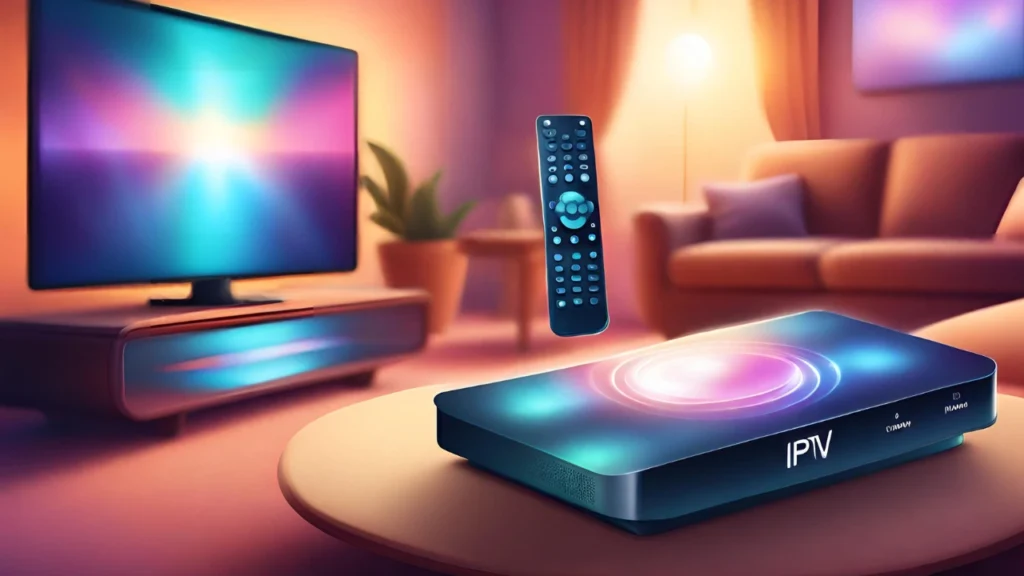


Discover the best IPTV remote control options, features to look for, setup tips, and how to enhance your IPTV streaming experience with the right remote.
IPTV Remote Control: Everything You Need to Know
Streaming television has transformed how people watch entertainment. Instead of relying on traditional cable, millions of users now prefer IPTV services for flexibility and on-demand viewing. But navigating those services efficiently depends heavily on one essential device: the IPTV remote control.
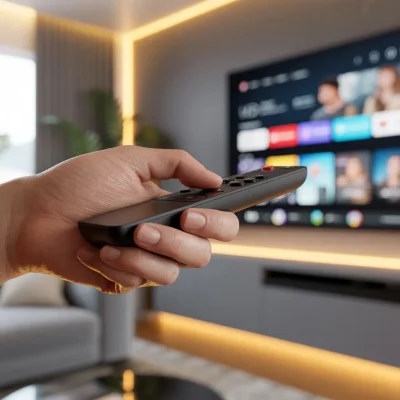
An IPTV remote control helps users browse channels, manage streaming apps, and control playback without needing a keyboard or smartphone. Whether you’re using a dedicated IPTV box, Android TV device, or smart TV, the right remote makes the entire experience faster and more convenient.
In this guide, you’ll learn how IPTV remotes work, the different types available, features to look for, setup instructions, and tips for getting the most out of your streaming system.
What Is an IPTV Remote Control?
An IPTV remote control is a handheld device designed to interact with IPTV-enabled devices such as:
- IPTV set-top boxes
- Android TV boxes
- Smart TVs
- Streaming sticks
- IPTV applications
Unlike standard TV remotes, IPTV remotes often include additional buttons for navigating menus, launching apps, and controlling streaming functions.
Key Functions of an IPTV Remote
Most IPTV remotes allow users to:
- Change channels
- Browse IPTV playlists
- Open streaming apps
- Pause or rewind live TV
- Adjust volume
- Navigate electronic program guides (EPG)
Many modern IPTV remotes also include voice control and air-mouse functionality for easier navigation.
How IPTV Remote Controls Work
IPTV remote controls communicate with your device using one of several technologies.
Infrared (IR) Remotes
Infrared remotes send signals using light pulses.
Characteristics:
- Requires direct line of sight
- Common with older IPTV boxes
- Lower cost
- Simple to set up
However, obstacles between the remote and device can interrupt signals.
Bluetooth IPTV Remote Controls
Bluetooth remotes connect wirelessly without needing line-of-sight.
Advantages:
- Works from different angles
- Faster response time
- Supports voice commands
- More reliable connectivity
Bluetooth is increasingly common in modern IPTV systems.
RF (Radio Frequency) Remotes
RF remotes transmit signals via radio waves.
Benefits include:
- Longer range
- No line-of-sight requirement
- Stable connection
These remotes are often bundled with premium IPTV boxes.
Types of IPTV Remote Controls
Not all IPTV remotes are the same. Choosing the right one depends on your device and how you prefer to control your streaming experience.
Standard IPTV Remote
A standard IPTV remote control includes basic navigation buttons and playback controls.
Typical features:
- Directional navigation pad
- OK/Select button
- Volume control
- Channel switching
- Menu access
This type works well for users who want a simple interface.
Air Mouse IPTV Remote
Air mouse remotes function like a wireless computer mouse.
Users move the remote in the air to control a cursor on screen.
Advantages:
- Faster navigation
- Easier typing on on-screen keyboards
- Ideal for IPTV apps and browsers
Air mouse remotes are especially popular with Android TV boxes.
Voice-Control IPTV Remote
Voice remotes allow you to search for content using voice commands.
Common capabilities:
- Search channels
- Open apps
- Control playback
- Find movies or shows
Voice control is helpful for users who prefer hands-free navigation.
Universal IPTV Remote Control
Universal remotes can control multiple devices including:
- IPTV box
- Smart TV
- Sound system
- Streaming stick
This reduces the need for multiple remotes.
Learn more about configuring multi-device remotes here:
[Link to related article on setting up universal remotes]
Essential Features to Look for in an IPTV Remote Control
Choosing the right IPTV remote control requires understanding the features that improve usability.
Ergonomic Design
Comfort matters when using a remote frequently.
Look for:
- Lightweight design
- Non-slip grip
- Well-spaced buttons
Ergonomic remotes reduce hand fatigue during long viewing sessions.
Dedicated App Buttons
Many IPTV remotes include quick-access buttons for apps such as:
- YouTube
- Netflix
- IPTV players
These shortcuts speed up navigation and eliminate menu searching.
Backlit Buttons
Backlit remotes allow you to see buttons in dark rooms.
This feature is especially useful for nighttime viewing.
Programmable Buttons
Some remotes allow users to assign functions to specific buttons.
Examples include:
- Launching favorite channels
- Opening IPTV playlists
- Activating recording
Customization improves efficiency.
Voice Assistant Integration
Some advanced IPTV remotes integrate with voice assistants.
Examples include:
- Google Assistant
- Alexa
Voice commands simplify searching and controlling playback.
Learn more about voice assistants here:
[Link to credible technology guide on voice assistants]
How to Set Up an IPTV Remote Control
Setting up an IPTV remote control usually takes only a few minutes.
Follow these steps.
Step 1: Insert Batteries
Most remotes require AAA or AA batteries.
Ensure correct polarity when inserting them.
Step 2: Pair the Remote
Depending on the remote type:
For Bluetooth Remotes
- Turn on your IPTV device
- Hold the pairing button
- Select the remote from the Bluetooth menu
For IR Remotes
No pairing is needed. Simply point the remote at the device.
Step 3: Test Basic Functions
Check that the following work:
- Menu navigation
- Volume control
- Channel switching
- Playback buttons
If the remote does not respond, repeat the pairing process.
Common Problems With IPTV Remote Controls
Even high-quality remotes may encounter occasional issues.
Remote Not Responding
Possible causes include:
- Dead batteries
- Signal interference
- Device pairing issues
Try replacing batteries or reconnecting the remote.
Buttons Not Working
Sometimes specific buttons stop responding.
Possible reasons:
- Dust inside the remote
- Software glitches
- Physical wear
Cleaning the remote or resetting the IPTV device may fix the issue.
Slow Navigation
Slow responses may occur when:
- The IPTV box is overloaded
- Network speed is slow
- Firmware is outdated
Updating software often improves performance.
Best IPTV Remote Control Alternatives
In some cases, users prefer alternative ways to control IPTV.
Smartphone Remote Apps
Many IPTV devices offer mobile remote apps.
Benefits include:
- Touchscreen navigation
- Voice search
- Easy typing
Popular IPTV apps often include built-in remote features.
Wireless Keyboard Remotes
Keyboard remotes combine a remote with a mini keyboard.
They are ideal for:
- Searching content
- Entering passwords
- Browsing IPTV menus
These are commonly used with Android TV IPTV setups.
Smart Home Integration
Advanced users connect IPTV systems to smart home ecosystems.
This allows control through:
- Smart speakers
- Voice assistants
- Automation systems
For example, users can say commands like:
“Play the news channel.”
Tips for Getting the Most From Your IPTV Remote Control
A few simple practices can greatly improve your IPTV experience.
1. Keep the Remote Clean
Dust and debris can block buttons.
Clean your remote regularly with a soft cloth.
2. Update IPTV Software
Firmware updates often improve compatibility with remotes.
Check for updates periodically.
3. Customize Shortcuts
If your IPTV remote control supports programmable buttons, assign them to frequently used apps or channels.
This saves time.
4. Use Voice Search
Voice commands can significantly speed up finding content.
Instead of scrolling menus, simply say the name of the show.
5. Replace Batteries Regularly
Weak batteries cause slow or inconsistent response.
Replacing them prevents frustration.
IPTV Remote Control vs Smartphone Control
Some users debate whether a physical IPTV remote control is still necessary.
Here’s a quick comparison.
| Feature | IPTV Remote | Smartphone Control |
|---|---|---|
| Ease of use | Very simple | Requires app |
| Typing | Difficult | Easy |
| Voice search | Available on some | Common |
| Convenience | Always ready | Needs unlocking |
For most households, using both methods together offers the best experience.
Future Trends in IPTV Remote Controls
IPTV technology continues to evolve, and remotes are becoming more advanced.
Future features may include:
- Gesture-based navigation
- AI-powered voice search
- Smart recommendations
- Touch-sensitive surfaces
As IPTV platforms grow, remotes will likely become smarter and more integrated with digital ecosystems.
Industry insights on streaming technology trends:
[Link to credible report on streaming technology]
Frequently Asked Questions About IPTV Remote Controls
Can any remote work with an IPTV box?
Not always. Compatibility depends on:
- Device model
- Connection type (IR, Bluetooth, RF)
Universal remotes may support multiple devices.
How do I replace a lost IPTV remote control?
Options include:
- Buying the original remote
- Using a universal remote
- Installing a smartphone remote app
Why is my IPTV remote lagging?
Common causes include:
- Weak batteries
- Device overload
- Network delays
Replacing batteries or restarting the IPTV box usually helps.
Final Thoughts
A reliable IPTV remote control plays a crucial role in the overall streaming experience. From changing channels to browsing video libraries, the right remote makes IPTV navigation quick and effortless.
Whether you prefer a standard remote, an air mouse, or a voice-enabled controller, choosing the right device ensures smoother viewing and fewer frustrations.
As IPTV technology continues to grow, remote controls will evolve alongside it—bringing smarter features, better connectivity, and more intuitive navigation.
Ready to Improve Your IPTV Experience?
If you’re looking to get the most out of your streaming setup:
Optimize your IPTV device settings
Explore different IPTV remote options
Customize your navigation shortcuts