
Keyboard to IPTV: The Complete Guide to Using a Keyboard for IPTV Control
Snippet-friendly summary:
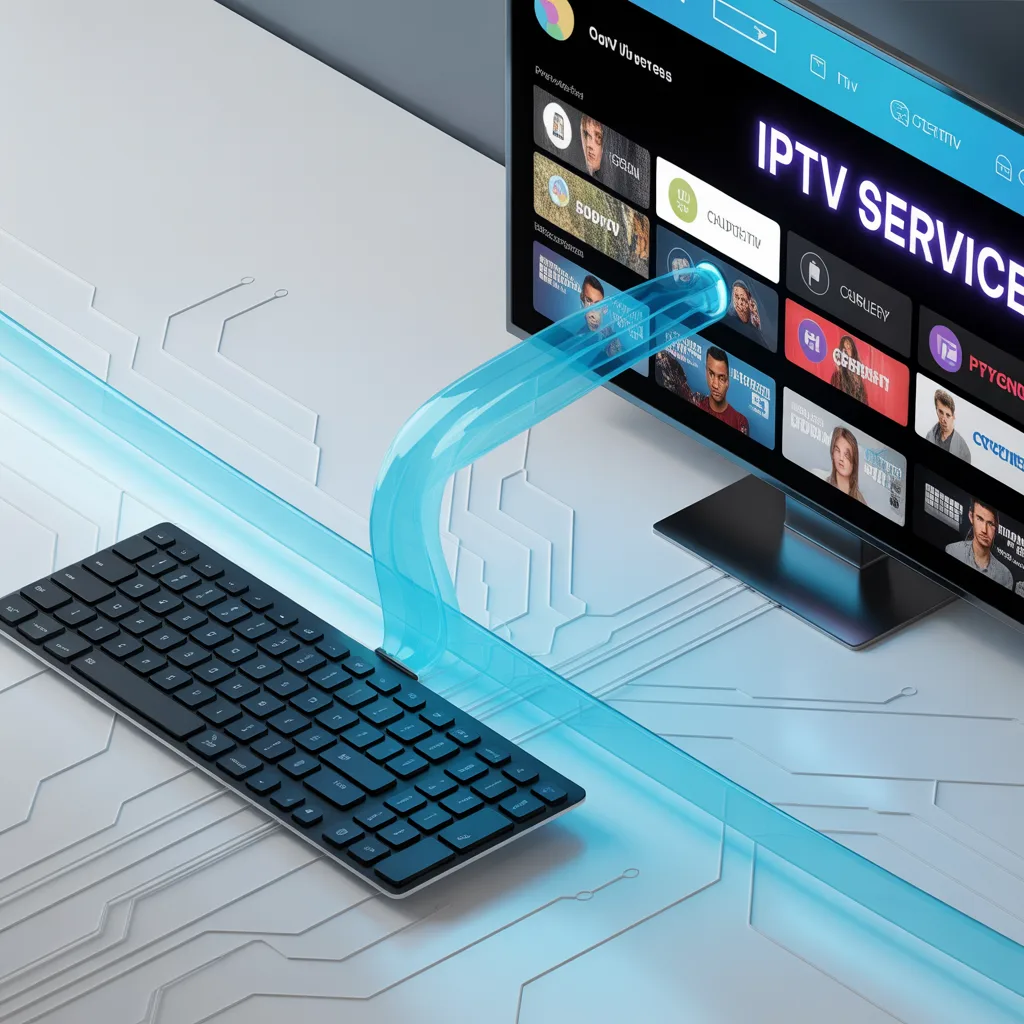
Keyboard to IPTV refers to the process of using a physical or wireless keyboard to control IPTV applications instead of a traditional remote. This setup improves typing speed, navigation, search functionality, and overall user experience—especially for smart TVs, Android TV boxes, and IPTV apps.
Introduction: Why Keyboard to IPTV Is Becoming Popular
The concept of keyboard to IPTV is becoming increasingly popular among IPTV users who want faster navigation and better control over their streaming experience. Instead of struggling with slow remote control typing, many users now connect wireless keyboards, mini keyboards, or Bluetooth keyboards to their IPTV devices.
Whether you are using an Android TV box, Fire TV device, Smart TV, or IPTV apps like IPTV players, adding a keyboard can dramatically improve usability. From searching channels to entering login credentials, a keyboard makes everything easier and more efficient.
In this complete guide, you will learn how keyboard to IPTV setups work, the benefits, compatible devices, setup methods, and expert tips to optimize your IPTV experience.
What Does Keyboard to IPTV Mean?
Keyboard to IPTV simply means connecting a keyboard device to your IPTV streaming system to replace or complement your remote control.
This can include:
- Wireless keyboards
- Bluetooth keyboards
- Mini IPTV keyboards
- Air mouse keyboards
- USB keyboards
- Touchpad keyboards
These keyboards allow you to:
- Type faster
- Search IPTV channels easily
- Navigate menus quickly
- Enter URLs without frustration
- Control apps more precisely
For heavy IPTV users, this small upgrade can make a major difference.
Why Use a Keyboard Instead of a Remote for IPTV?
Traditional IPTV remotes work well for basic navigation, but they often become frustrating when typing or searching.
Here is why many users switch to keyboard to IPTV solutions:
1. Faster Typing Experience
Typing with a remote is slow because you must select letters one by one.
With a keyboard you can:
- Type instantly
- Paste login credentials
- Search movies quickly
- Enter IPTV URLs easily
This is especially useful for IPTV apps requiring login portals.
2. Better Navigation Control
A keyboard provides shortcut keys that improve IPTV navigation.
Examples include:
- Arrow keys for menu navigation
- Enter for selection
- Escape for back
- Spacebar for pause/play
- Function keys for shortcuts
This makes IPTV feel more like using a computer.
3. Improved Search Functionality
Searching IPTV content becomes significantly easier.
Instead of:
- Clicking letters manually
- Waiting for slow input
- Dealing with mistakes
You can simply:
- Type channel names
- Search VOD content
- Find categories instantly
4. Multi-Purpose Use
A keyboard connected to IPTV can also control:
- Web browsers
- Streaming apps
- File managers
- Settings menus
This turns your IPTV device into a mini computer.
Types of Keyboards You Can Use for IPTV
Not all keyboards are the same. Choosing the right one depends on your IPTV device and usage needs.
Wireless Keyboard (Most Popular)
Wireless keyboards use a USB receiver and are easy to install.
Advantages:
- Plug and play
- No configuration needed
- Stable connection
- Affordable
Best for:
- Android TV boxes
- IPTV boxes
- Smart TVs with USB
Bluetooth Keyboard
Bluetooth keyboards connect without a USB receiver.
Benefits:
- No dongle needed
- Clean setup
- Good portability
- Multiple device pairing
Best for:
- Smart TVs
- Fire TV devices
- Android TV systems
Mini IPTV Keyboard
Mini keyboards are designed specifically for IPTV users.
Features often include:
- Compact design
- Built-in touchpad
- Backlit keys
- Air mouse function
Advantages:
- Remote + keyboard in one
- Portable
- Easy couch use
Air Mouse Keyboard
Air mouse keyboards combine motion control with typing.
Features:
- Motion cursor control
- Keyboard on back
- Multimedia buttons
- Voice search (some models)
Best for advanced IPTV users.
Devices That Support Keyboard to IPTV Setup
Most IPTV devices support keyboard connections.
Here are the most common compatible platforms:
Android TV Boxes
Android boxes fully support keyboards.
Examples of use:
- App navigation
- IPTV login input
- Browser use
- File management
Setup is usually automatic.
Smart TVs
Many Smart TVs allow keyboard connections.
Supported brands typically include:
- Samsung
- LG
- Sony
- TCL
Check your TV settings under:
Settings → Devices → Input Devices
Fire TV Devices
Fire TV supports Bluetooth keyboards.
Benefits:
- Faster search
- App control
- Better login input
IPTV Dedicated Boxes
Most IPTV set-top boxes support USB keyboards.
Advantages:
- Plug and use
- No drivers required
- Easy navigation improvement
How to Connect Keyboard to IPTV (Step-by-Step)
Setting up keyboard to IPTV is usually simple.
Method 1: USB Keyboard Setup
Steps:
- Plug keyboard USB receiver into IPTV device
- Wait for automatic detection
- Test typing in search bar
- Start using normally
No software required in most cases.
Method 2: Bluetooth Keyboard Setup
Steps:
- Turn on keyboard pairing mode
- Open IPTV device settings
- Go to Bluetooth settings
- Select keyboard
- Confirm connection
Once connected, it works like a remote replacement.
Method 3: Mini Keyboard Setup
Mini IPTV keyboards often use USB receivers.
Steps:
- Insert USB dongle
- Turn on keyboard
- Wait for pairing
- Test navigation
Some models also require charging.
Best Features to Look for in an IPTV Keyboard
If you want the best keyboard to IPTV experience, look for these features.
Essential Features
Important features include:
- Touchpad
- Wireless connectivity
- Rechargeable battery
- Multimedia buttons
- Backlight keys
Advanced Features
Premium keyboards may include:
- Voice control
- Air mouse function
- Gesture control
- Macro buttons
- RGB lighting
Ergonomic Design
Comfort matters for long IPTV sessions.
Look for:
- Soft keys
- Compact layout
- Lightweight design
- Quiet typing
Common Problems with Keyboard to IPTV (And Fixes)
Sometimes keyboards may not work properly.
Here are common issues and solutions.
Keyboard Not Detected
Possible causes:
- USB port issue
- Dead battery
- Unsupported device
Solutions:
- Try another USB port
- Recharge keyboard
- Restart IPTV device
Keys Not Working Properly
This may happen due to:
- App limitations
- Layout mismatch
- Software bugs
Solutions:
- Change keyboard language
- Update IPTV app
- Restart device
Bluetooth Connection Drops
Causes:
- Distance
- Interference
- Low battery
Fixes:
- Stay within range
- Recharge keyboard
- Reconnect device
Tips to Optimize Your Keyboard to IPTV Experience
Experts recommend these tips:
Use Keyboard Shortcuts
Common shortcuts:
- Space = Play/Pause
- Enter = Select
- Backspace = Back
- Arrows = Navigation
Customize IPTV App Controls
Some IPTV apps allow:
- Key mapping
- Shortcut setup
- Input customization
Check settings menu.
Keep Firmware Updated
Updates improve:
- Compatibility
- Performance
- Stability
Check device updates regularly.
Use a Keyboard With Touchpad
Touchpad removes need for mouse.
Benefits:
- Cursor control
- Faster navigation
- Better browsing
Keyboard to IPTV vs Remote Control: Which Is Better?
Here is a quick comparison:
| Feature | Keyboard | Remote |
|---|---|---|
| Typing speed | Excellent | Slow |
| Navigation | Fast | Basic |
| Search | Easy | Difficult |
| Comfort | High | Medium |
| Learning curve | Medium | Easy |
Best solution:
Use both together.
Many users keep the remote for quick actions and the keyboard for typing.
Security Considerations When Using Keyboard to IPTV
Security is important when connecting devices.
Best practices:
- Avoid unknown keyboards
- Buy trusted brands
- Update IPTV apps
- Avoid suspicious firmware
Also avoid entering IPTV credentials on unknown devices.
Read security guides:
[Link to related article on IPTV security best practices]
Cybersecurity information source:
[Link to NIST cybersecurity recommendations]
Who Should Use Keyboard to IPTV?
Keyboard to IPTV setups are ideal for:
Beginners
Because:
- Easier typing
- Faster learning
- Less frustration
IPTV Power Users
Useful for:
- Managing multiple playlists
- Editing settings
- Searching content
Streamers
Helpful for:
- Frequent searches
- App switching
- Account management
Families
Good for:
- Shared IPTV use
- Faster content search
- Kids navigation help
Future of Keyboard to IPTV Technology
IPTV control methods continue evolving.
Future improvements may include:
- Voice keyboards
- AI search integration
- Gesture typing
- Smart automation
- Cloud profiles
We may soon see keyboards integrated directly into IPTV remotes.
Technology trends resource:
[Link to technology trend report]
Frequently Asked Questions About Keyboard to IPTV
Can I use any keyboard with IPTV?
Most USB and Bluetooth keyboards work with IPTV devices.
Always check compatibility first.
Do IPTV apps support keyboards?
Most modern IPTV apps support keyboard input, especially Android-based platforms.
Is a keyboard better than a remote?
For typing and navigation yes.
For simple channel switching, remote is still useful.
Best solution:
Use both.
Do I need software to connect a keyboard?
Usually no.
Most IPTV devices support plug-and-play keyboards.
Are mini IPTV keyboards worth it?
Yes if you:
- Search often
- Manage IPTV settings
- Want faster navigation
Best Practices for Choosing the Right IPTV Keyboard
Follow these expert recommendations:
Choose Based on Usage
Light users:
- Basic wireless keyboard
Heavy users:
- Mini touchpad keyboard
Advanced users:
- Air mouse keyboard
Check Compatibility
Always verify:
- Device OS
- USB support
- Bluetooth support
Consider Battery Life
Look for:
- Rechargeable models
- Long standby time
- USB-C charging
Read Reviews
Before buying:
- Check user reviews
- Watch video tests
- Compare models
Product research guide:
[Link to consumer electronics review site]
Final Thoughts: Is Keyboard to IPTV Worth It?
Adding a keyboard to IPTV setup is one of the easiest ways to improve your streaming experience. It makes typing faster, searching easier, and navigating IPTV platforms much smoother.
For most users, especially those who frequently search content or manage IPTV apps, a keyboard is a small investment with big usability benefits.
If you want a more professional IPTV experience, this upgrade is highly recommended.
Meta Description
Keyboard to IPTV guide: learn how to connect keyboards to IPTV devices, improve navigation, type faster, and optimize your streaming setup with expert tips.
Ready to Improve Your IPTV Experience?
If you found this guide helpful, here’s what you can do next:
- Read more IPTV optimization guides: [Link to IPTV performance tips article]
- Learn about IPTV apps: [Link to IPTV apps comparison]
- Subscribe for more tech guides
- Leave a comment with your setup
- Share this article with other IPTV users
Want more expert IPTV tips? Bookmark this site and stay updated with the latest IPTV guides and tutorials.