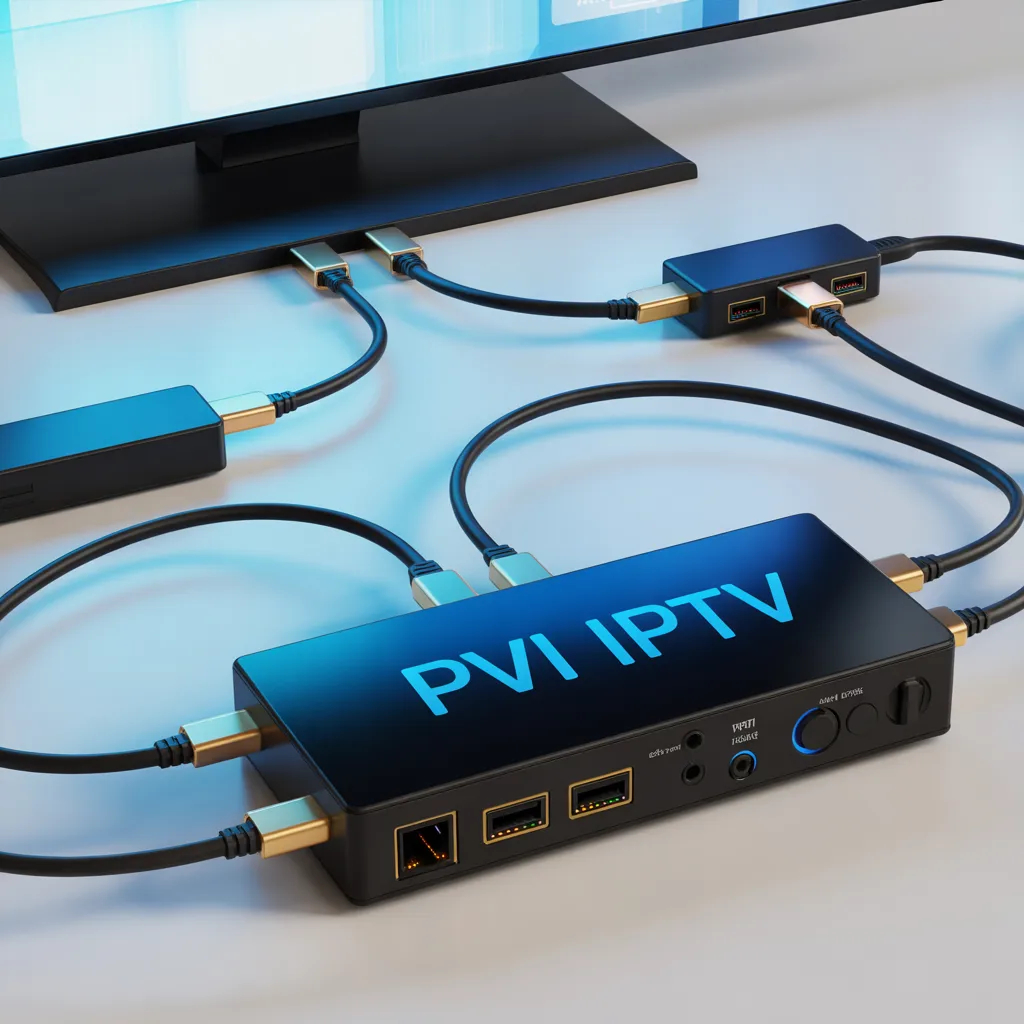
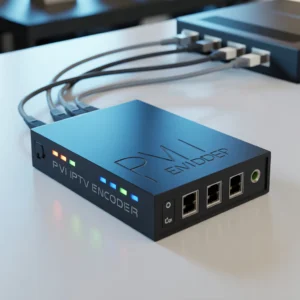
PVI HDMI IPTV refers to IPTV encoding devices that use HDMI input to convert video signals into IP streams for online broadcasting or private network distribution. These devices are commonly used for live streaming, digital signage, broadcasting, education, and hotel TV systems.
A typical PVI HDMI IPTV encoder allows users to:
- Convert HDMI video into IPTV streams
- Broadcast content over local networks or the internet
- Support multiple streaming protocols (RTMP, HLS, UDP, RTP)
- Deliver high-quality HD or 4K content efficiently
This guide explains everything you need to know about PVI HDMI IPTV encoders, how they work, how to set them up, and how to choose the best one.
What is PVI HDMI IPTV?
PVI HDMI IPTV technology combines HDMI video input with IPTV encoding capabilities. It allows a video source such as:
- TV receivers
- Cameras
- Gaming consoles
- PCs
- Media players
to be converted into an IP stream that can be watched on:
- Smart TVs
- IPTV apps
- Computers
- Mobile devices
- Set-top boxes
Instead of using traditional coaxial broadcasting, PVI HDMI IPTV solutions distribute content using standard network infrastructure.
How PVI HDMI IPTV Works
HDMI Signal Conversion Process
A PVI HDMI IPTV encoder works in three main steps:
1. Video Input Capture
The encoder receives HDMI video from a source device.
2. Video Compression
The device compresses the video using codecs like:
- H.264 (AVC)
- H.265 (HEVC)
- MPEG-4
3. Network Streaming
The compressed stream is delivered through IP protocols such as:
- RTMP (for YouTube/Facebook streaming)
- UDP (local IPTV systems)
- HLS (web streaming)
- RTP/RTSP (security and broadcast systems)
This process allows real-time distribution with minimal latency.
Key Features of PVI HDMI IPTV Encoders
When choosing a PVI HDMI IPTV device, several features determine performance and reliability.
Video Quality Support
Most modern PVI HDMI IPTV encoders support:
- 1080p Full HD
- 4K UHD (premium models)
- HDR support (advanced units)
- 60fps streaming
Higher bitrate support usually means better picture clarity.
Multi-Protocol Streaming Support
A good encoder should support multiple protocols such as:
- RTMP
- RTSP
- HLS
- UDP
- ONVIF compatibility
This ensures compatibility with various IPTV platforms.
Low Latency Streaming
Low latency is critical for:
- Live sports streaming
- Gaming broadcasts
- Real-time events
- Corporate presentations
Professional PVI HDMI IPTV encoders can achieve latency under 200ms.
Remote Management
Many devices include web management panels allowing:
- Remote configuration
- Bitrate adjustment
- Resolution changes
- Stream monitoring
[Link to related article on IPTV network optimization]
Benefits of Using PVI HDMI IPTV Solutions
Cost-Effective Broadcasting
Traditional broadcasting requires expensive infrastructure. IPTV allows distribution through existing networks.
Advantages include:
- Reduced cable costs
- Easy scalability
- Lower maintenance
- Remote updates
Flexible Content Distribution
PVI HDMI IPTV allows streaming to:
- Multiple buildings
- Remote offices
- Hotels
- Universities
- Hospitals
This flexibility makes IPTV ideal for enterprise use.
Easy Installation
Most encoders follow a simple setup:
- Connect HDMI source
- Connect Ethernet cable
- Access web interface
- Configure stream
- Start broadcasting
Even beginners can complete installation within minutes.
High Reliability
Professional encoders offer:
- 24/7 operation
- Hardware encoding stability
- Temperature protection
- Automatic restart functions
Common Use Cases of PVI HDMI IPTV
Hotels and Hospitality
Hotels use PVI HDMI IPTV systems for:
- Guest entertainment
- Information channels
- Promotional content
- Digital signage
Education Sector
Schools and universities use IPTV encoders for:
- Lecture broadcasting
- Campus TV
- Remote learning
- Training programs
[Link to related article on IPTV in education systems]
Corporate Streaming
Businesses use PVI HDMI IPTV for:
- Internal announcements
- Training broadcasts
- CEO messages
- Meeting distribution
Churches and Events
Religious organizations and event managers use IPTV encoders for:
- Live sermons
- Event streaming
- Conferences
- Weddings
Security Monitoring
Security teams stream camera feeds through IPTV networks.
Applications include:
- Control rooms
- Monitoring centers
- Industrial safety
PVI HDMI IPTV vs Traditional IPTV Encoders
Key Differences
| Feature | PVI HDMI IPTV | Traditional Encoders |
|---|---|---|
| Input | HDMI | HDMI/SDI/AV |
| Setup | Simple | Moderate |
| Cost | Affordable | Higher |
| Target Users | SMB & prosumers | Broadcasters |
| Maintenance | Easy | Requires expertise |
PVI HDMI IPTV devices are typically designed to balance affordability and performance.
How to Choose the Best PVI HDMI IPTV Encoder
Selecting the right encoder depends on your needs.
Consider Video Resolution Needs
Ask yourself:
- Do you need 1080p or 4K?
- Will viewers watch on large displays?
- Is bandwidth limited?
For most users, 1080p is sufficient.
Check Network Compatibility
Verify support for:
- Gigabit Ethernet
- VLAN compatibility
- Multicast support
- IPTV middleware compatibility
Look at Codec Support
HEVC (H.265) offers:
- Better compression
- Lower bandwidth usage
- Higher efficiency
H.264 remains widely compatible.
Evaluate Reliability Features
Look for:
- Metal housing
- Cooling systems
- Power redundancy
- Firmware updates
Compare Price vs Performance
Avoid choosing the cheapest device without checking:
- Reviews
- Stability reports
- Support availability
[Link to buyer’s guide for IPTV encoders]
How to Set Up a PVI HDMI IPTV Encoder
Basic Setup Guide
Follow these steps:
Step 1 – Connect Video Source
Connect your HDMI source such as:
- Satellite receiver
- PC
- Camera
- Media box
Step 2 – Connect Network Cable
Use CAT6 cable for stability.
Step 3 – Access Admin Panel
Usually via:
192.168.1.168
Login using default credentials.
Step 4 – Configure Stream Settings
Adjust:
- Bitrate
- Resolution
- Protocol
- Audio settings
Step 5 – Start Streaming
Copy stream URL into:
- VLC player
- IPTV middleware
- Streaming platform
Best Practices for PVI HDMI IPTV Streaming
Optimize Bitrate Settings
Recommended:
| Resolution | Bitrate |
|---|---|
| 720p | 2–4 Mbps |
| 1080p | 4–8 Mbps |
| 4K | 15–25 Mbps |
Use Stable Network Infrastructure
Recommendations:
- Managed switches
- QoS configuration
- Dedicated VLAN
- Fiber backbone if possible
Monitor Network Performance
Track:
- Packet loss
- Jitter
- Bandwidth usage
- CPU load
[Link to external networking performance report]
Troubleshooting PVI HDMI IPTV Issues
No Stream Output
Check:
- HDMI cable
- Input resolution compatibility
- Network settings
- Encoder reboot
Buffering Problems
Possible causes:
- Low bandwidth
- High bitrate
- Network congestion
Solutions:
- Lower bitrate
- Enable multicast
- Upgrade switch
Audio Problems
Check:
- HDMI audio format
- AAC settings
- Sample rate configuration
Security Considerations for IPTV Networks
IPTV networks must be secured.
Best practices include:
- Change default passwords
- Enable HTTPS access
- Restrict IP access
- Use VPN access
- Firmware updates
[Link to cybersecurity best practices guide]
Future Trends of PVI HDMI IPTV Technology
IPTV technology continues evolving.
Key trends include:
AI Video Optimization
AI is improving:
- Compression efficiency
- Bandwidth prediction
- Quality optimization
Cloud IPTV Integration
Cloud integration enables:
- Remote streaming
- Global distribution
- Centralized management
8K Streaming Preparation
While rare today, future encoders may support:
- 8K encoding
- AV1 codec
- Cloud transcoding
Edge Streaming Technology
Edge processing reduces:
- Latency
- Bandwidth usage
- Infrastructure load
Frequently Asked Questions About PVI HDMI IPTV
Is PVI HDMI IPTV good for beginners?
Yes. Most devices include simple web interfaces and require minimal networking knowledge.
Can I stream to YouTube?
Yes if RTMP is supported.
Do I need IPTV middleware?
Not always. VLC can play streams directly.
What internet speed is required?
Depends on bitrate. Example:
- 1080p stream = 8 Mbps upload minimum
Can one encoder stream to multiple users?
Yes through multicast or server distribution.
Advantages and Disadvantages of PVI HDMI IPTV
Advantages
- Affordable broadcasting solution
- Easy setup
- Scalable distribution
- Professional video quality
- Flexible protocols
Disadvantages
- Requires network knowledge
- Initial configuration needed
- Bandwidth dependent
Who Should Use PVI HDMI IPTV?
Ideal Users
PVI HDMI IPTV is perfect for:
Beginners
People learning IPTV broadcasting.
Businesses
Companies needing internal video distribution.
Content creators
Streamers wanting reliable encoding.
Integrators
AV professionals building IPTV systems.
Educational institutions
Distance learning providers.
Expert Tips for Getting the Best Results
Follow these expert recommendations:
- Always use wired connections
- Avoid Wi-Fi for encoding
- Keep firmware updated
- Use proper cooling
- Monitor stream health
These small steps significantly improve reliability.
Conclusion: Is PVI HDMI IPTV Worth It?
PVI HDMI IPTV solutions offer an excellent balance between affordability, simplicity, and professional performance. Whether you want to build an IPTV network, stream events, or distribute content internally, these encoders provide a reliable solution.
Their key strengths include:
- Easy deployment
- Professional streaming quality
- Multiple protocol support
- Cost efficiency
- Scalability
For most organizations and beginners, PVI HDMI IPTV encoders represent one of the best entry points into professional IP video distribution.
Final Thoughts
As IPTV adoption continues growing, PVI HDMI IPTV devices will become even more important for digital broadcasting and enterprise video delivery. Investing in the right encoder today can future-proof your streaming infrastructure.
[Link to complete IPTV beginner guide]
[Link to advanced IPTV architecture article]
Meta Description
Discover PVI HDMI IPTV encoders, how they work, setup steps, features, benefits, and expert buying tips in this complete professional guide to IPTV HDMI streaming.